
Fix Website Image SEO Without Replacing Every Photo
A customer opens your service page on a phone. The main photo arrives late, a gallery thumbnail is cropped beyond recognition, and the detail that would answer their question is buried in an image with no explanation. You may already have the right photographs. The problem is how your website delivers and describes them.
Image SEO is the work of making relevant website images discoverable, understandable and useful. It is not a reason to rename every file or buy a replacement photo library. Start with the pages that bring inquiries or sales, fix the obstacles there, and turn the successful changes into a repeatable publishing routine.
1. Pick five important pages, not your entire media library
Choose a high-value service page, a popular product or category page, a project example, your contact page and a page that already receives search traffic. Open each on a phone and a desktop. For every meaningful image, record its purpose, whether it loads, whether the crop makes sense and whether nearby text explains what the visitor is seeing.
A Winchester remodeling company might start with project photos that show materials and finished spaces. A parts supplier might start with product views that distinguish similar items. Prioritize photographs that help someone choose—not decorative stock photos in the footer.
2. Fix missing or hidden images before polishing keywords
If an important photo does not load, alt text alone will not repair the customer experience. Ask your website team to check the image URL, permissions, content delivery network and any optimization plugin. Confirm that the image remains available to visitors who are not logged in.
For images you want discovered in search, the implementation matters too. Google’s image SEO guidance recommends standard HTML image elements with a usable src URL; Google does not index CSS background images. A background treatment can be fine for decoration, but an important product or project photograph should not depend solely on that treatment.
Have a developer check that lazy-loaded images can be discovered without requiring a click or swipe. Inspect the rendered page rather than assuming a photo visible inside the editor is available to search engines.
3. Write alt text that explains the image’s job
Alt text helps people who cannot see an image and gives search engines additional context. Describe the meaningful information in this particular image, in the context of its page. Do not paste the page title, a sales pitch or a list of nearby cities into every field.
- Product detail: “Brass cabinet handle with two mounting holes and a brushed finish” is more useful than “best hardware shop Virginia.”
- Project example: “Completed kitchen with white shaker cabinets and a blue island” describes visible work without inventing claims about quality.
- Linked image: If an image is the only content of a link, its alternative text should communicate the link’s purpose or destination.
- Pure decoration: Use an empty alt attribute where appropriate, rather than making a screen reader announce meaningless decoration. Empty alt text is different from forgetting the attribute.
Put measurements, compatibility requirements, prices and essential instructions in visible page text as well. A customer should not need to zoom into a picture or rely on alternative text to learn a critical buying detail.
4. Improve mobile delivery without making photos blurry
A small product card does not need to download the original camera file. Ask your team to confirm that the site serves appropriately sized versions through responsive image markup, compresses them sensibly and preserves enough detail for the intended use. WebP or AVIF can help, but changing formats is not a substitute for choosing sensible dimensions.
Keep a larger version available when buyers genuinely need to inspect a finish or label. Reserve image space in the layout so the page does not jump as photographs load. Usually, the main image visible immediately on arrival should not be delayed by lazy loading; images farther down a long page can be.
Test representative pages before and after the change on a slower mobile connection. Check loading speed, visual clarity, gallery controls and layout stability together. There is no single file-size target that fits every photograph and every use.
5. Add context—and leave healthy URLs alone
Place images near the text they illustrate. A short project caption can identify the work and explain a useful detail. Keep claims accurate: a licensed stock photograph can illustrate a topic, but it should not be presented as your completed project, premises or team.
Give new uploads short, descriptive filenames. However, Google describes filenames as only a light clue. Renaming hundreds of existing files solely for keywords can break embeds, feeds and links without solving the larger problem. Preserve working URLs unless there is a clear reason to change them; plan and test replacements when a change is necessary.
On ecommerce sites, check that product-page images, structured data and channel feeds refer to the correct item and variant. Review these alongside your category-page technical SEO checks, rather than treating the media library as an isolated project.
A small Phase 1 your team can maintain
Use one shared checklist: page URL, image purpose, problem, fix, owner and verification date. Fix broken images first, then images that obstruct buying decisions, then delivery and description issues. Keep originals backed up and record the source and usage rights for every new photograph.
After publishing, check the actual page on mobile—not just the media-library entry. In WordPress, changing an attachment’s alt text may not update every image already inserted into a block or page builder. Confirm the final page contains the intended alternative text, displays the right crop and still links to the correct destination.
Monitor image-search performance in Search Console where data is available, but judge the work by useful visits, inquiries and purchases as well. Better descriptions and faster delivery do not guarantee rankings; they remove avoidable barriers for customers and crawlers.
Nexus Box can help identify which image problems need a technical fix and which genuinely need new photography. The practical starting point is a small set of important pages and a publishing process your team can keep using—not a wholesale replacement of everything you already have.
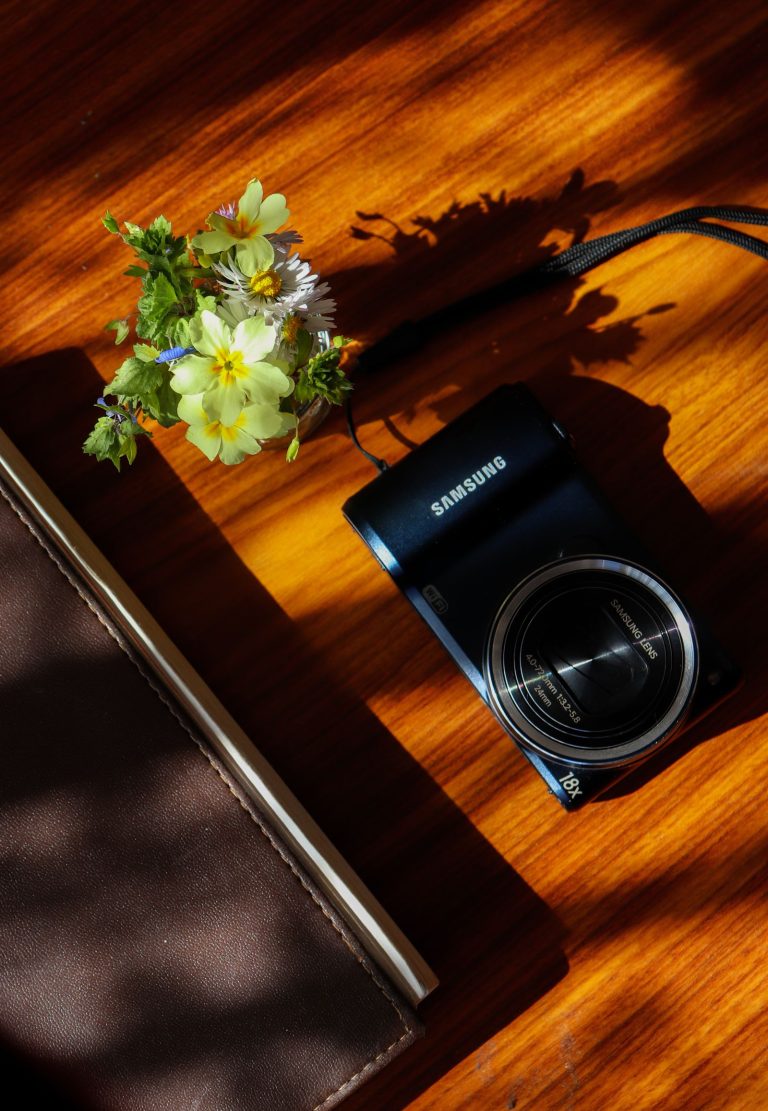
Featured stock photo: Digital Camera and Flowers on Wood Surface, via Pexels, used under the Pexels License.